Introduction
OpenAPI is the standard nowadays to specify your API. Among the benefit of using it, you can generate nice documentation out of your specification. In this article, we will go from documentation writing to having a web page for your API documentation.
It is important to note that there are solutions to auto-generate your OpenAPI specification from your code and we actually started with that. For example, you can use drf-yasg for Django Rest Framework. However this kind of library has its own limitations when it tries to automatically discover new endpoint specification, especially if the implementation is a bit complex. Because the documentation was not reflecting the reality anymore, we decided to switch to the solution presented here.
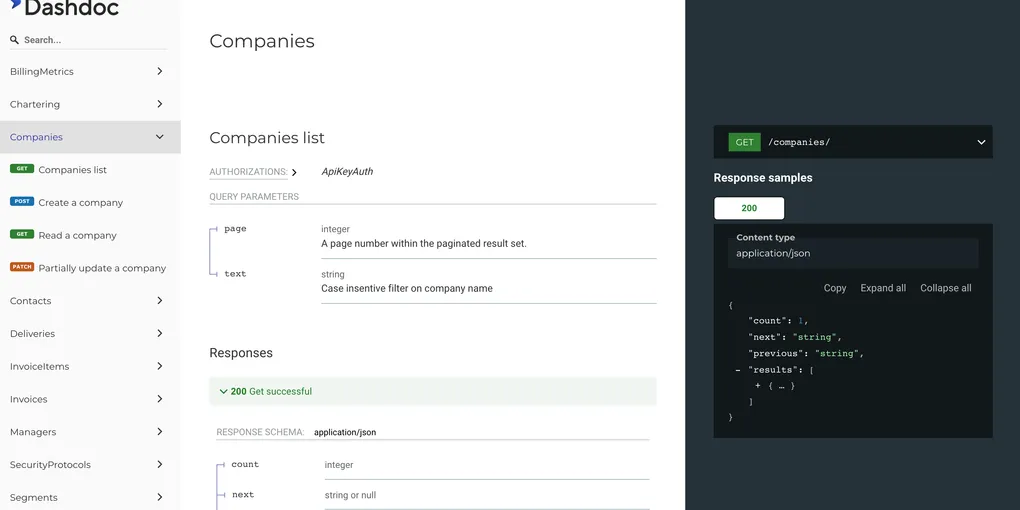
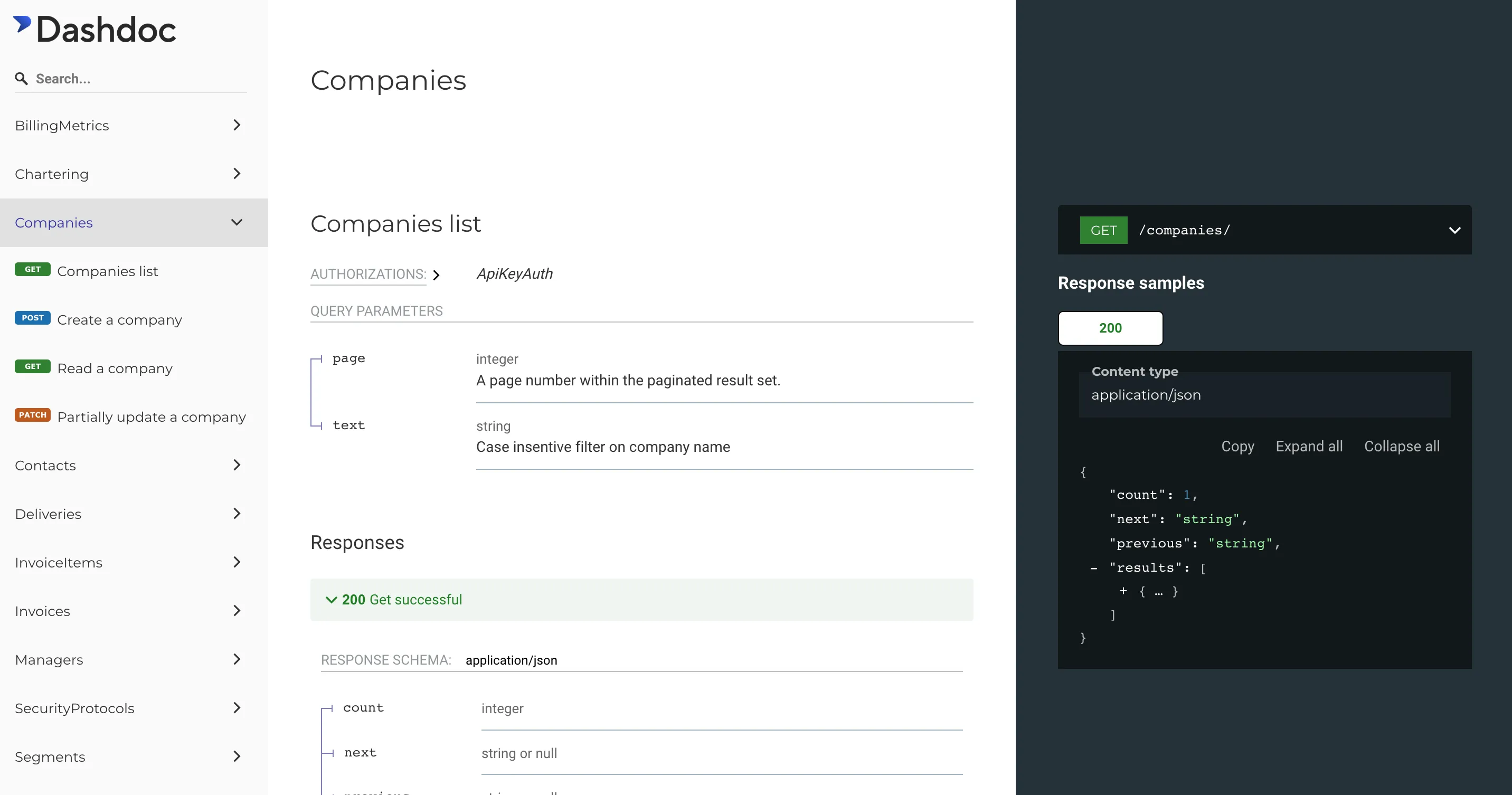 A glimpse of our API documentation using the method presented here.
Describe your API using YAML
The specification can be written either with YAML or JSON. We suggest using YAML because you can split it across several files making it easier to read and maintain.
Below is a simplified version of our API documentation entry file.
openapi: 3.0.1
info:
  version: "4.0"
  title: Dashdoc public API
servers:
  - url: https://api.dashdoc.eu/api/v4

paths:
  /addresses/:
    $ref: "./paths/addresses/addresses.yaml"
  /addresses/{id}/:
    $ref: "./paths/addresses/addresses-id.yaml"
The main interest of the YAML usage versus JSON is the $ref keyword that allows us to split the specification into smaller files and avoid text duplication.
We split our files into 2 main directories, one where we describe the endpoints (the ./paths/ visible above) and another to describe the objects manipulated by those endpoints. It helps us keep things tidy.
Convert YAML to JSON definition
Having a YAML definition is nice but in most cases, we need the JSON version.
This can be easily done with the help of OpenAPI Generator. This tool is often used to generate an API client (SDK) for the provided API definition. But it can also be used to convert the YAML definition into a JSON file.
OpenAPI Generator is written in Java. There are several ways to install it (see documentation). We chose the Docker image to avoid handling the java dependency and keep our local environment clean.
docker run \
    --rm \
    -v $BASEDIR:/docs \
    openapitools/openapi-generator-cli generate \
        -i /docs/v4.yaml \
        -g openapi \
        -o /docs/tmp/v4
Parameters explanation for docker:
--rm: Automatically remove the container when it exits-v: Bind mount a volume. Associate a local directory to a directory inside the container.
Parameters explanation for openapi-generator-cli generate:
-i: Input data, here, the main YAML file.-g: Generator name, alwaysopenapifor the documentation.-o: Output directory. The JSON definition will be saved here. It should be something within the mounted volume if you want to retrieve it on your local directory.
Finally, the $BASEDIR matches the local path in your environment where you store your documentation.
Serve your API documentation using redoc
As said in the introduction, the JSON definition is often used by other tools. One of them is redoc, which generates interactive API documentation from OpenAPI definitions.
As you can read in their documentation, you just need to create an HTML page and use a <redoc> tag with the URL to your JSON definition file in it!
<!DOCTYPE html>
<html>
  <head>
    <title>Redoc</title>
    <meta charset="utf-8"/>
    <meta name="viewport" content="width=device-width, initial-scale=1">
    <link href="https://fonts.googleapis.com/css?family=Montserrat:300,400,700|Roboto:300,400,700" rel="stylesheet">
    <style>
      body {
        margin: 0;
        padding: 0;
      }
    </style>
  </head>
  <body>
    <redoc spec-url='http://petstore.swagger.io/v2/swagger.json'></redoc>
    <script src="https://cdn.jsdelivr.net/npm/redoc@latest/bundles/redoc.standalone.js"> </script>
  </body>
</html>
Check out our live documentation to have an idea of redoc: https://www.dashdoc.eu/api/v4/docs/